See it
On the water, the Watch.
Afterwards, the iPhone.
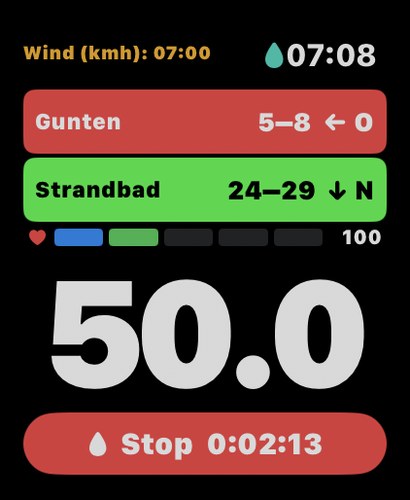
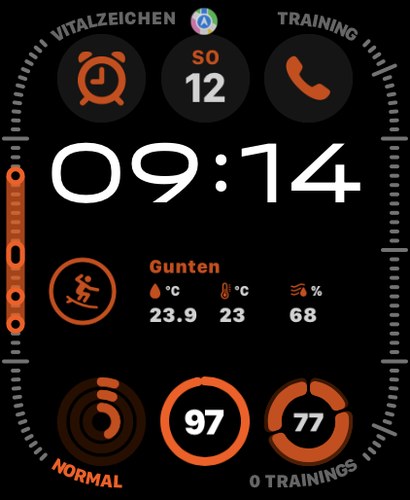
During the session: wind at both stations, heart-rate zone, your speed.
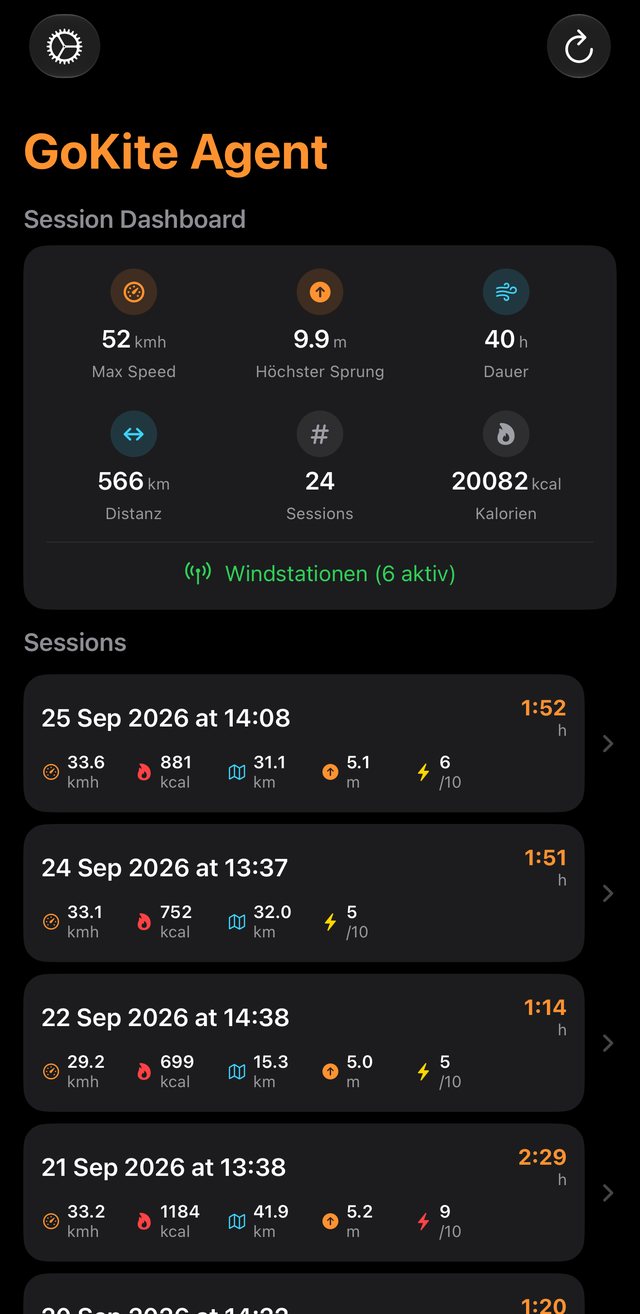
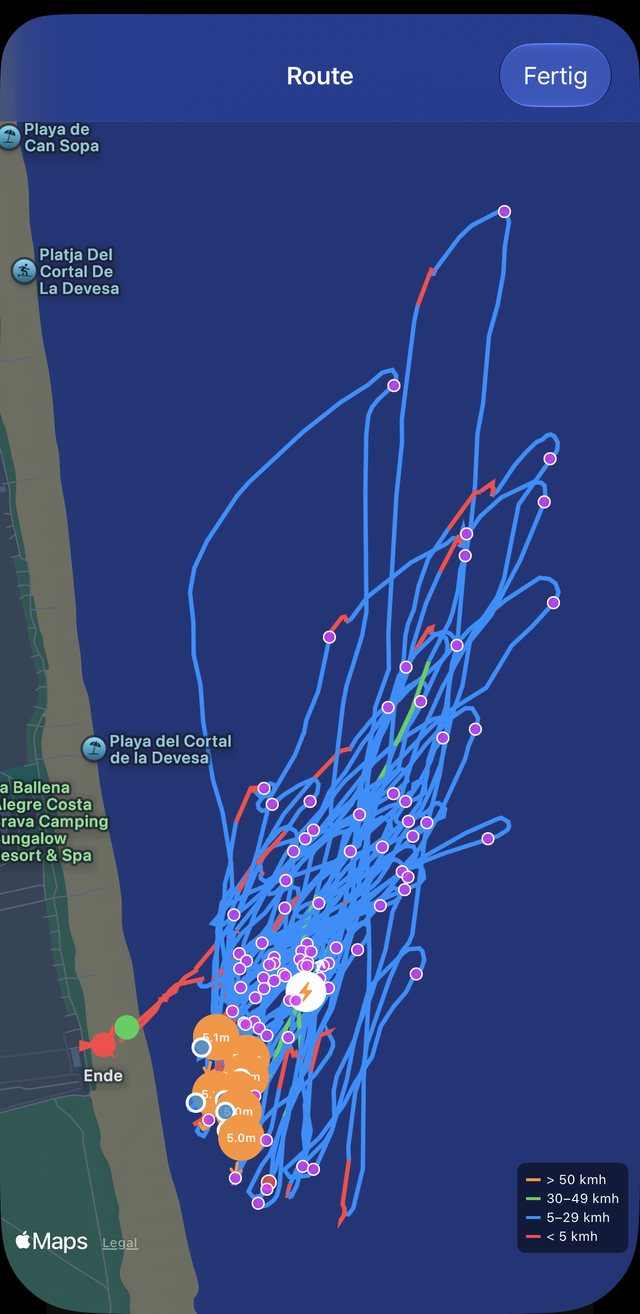
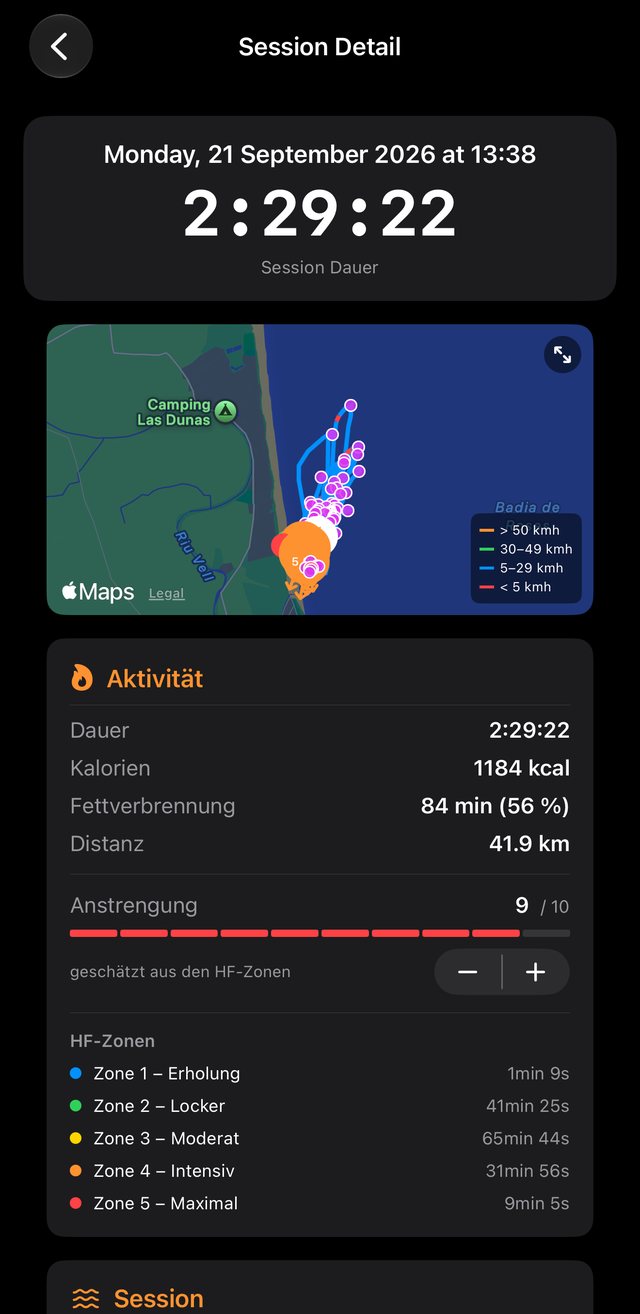
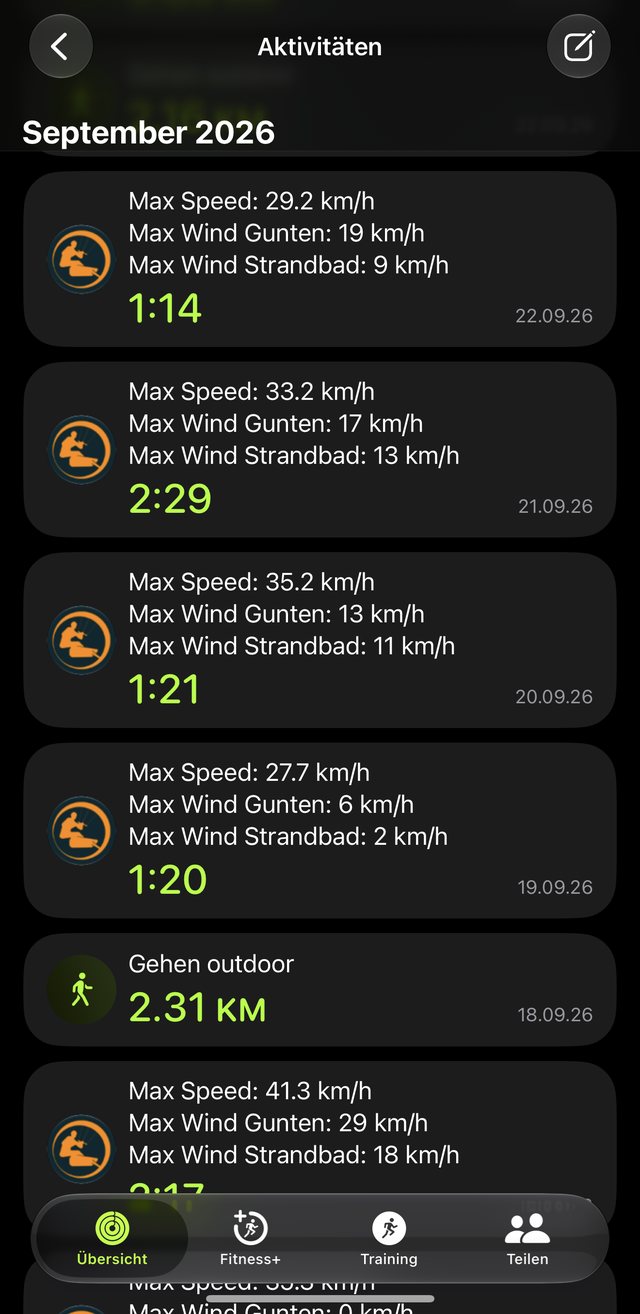
All sessions at a glance – records, hours, kilometres, calories.
A real session
Roses, 21 September.
Afternoon, thermal wind.
This is what a session in GoKiteAgent looks like – no sample figures, but an afternoon of thermal wind in the Bay of Roses, recorded with the Watch on the wrist.
How it works
Pick a station. Start.
Hit the water.
No account, no setup. Everything else happens by itself.
Read the wind
Wind, gusts and direction from your station in real time – on Lake Thun every three minutes between noon and 6 pm. Plus the water temperature.
Record
GPS, speed, heart rate and motion, 50 readings a second. Water Lock on, display off – nothing gets lost, even without reception.
Review
The session is waiting on your iPhone: map, top speed, heart-rate zones, jumps, jibes – and the workout in Apple Health.
Two versions
Start for free.
Pay once, when it's worth it.
Everything is always recorded. The full version unlocks the analysis – one-time purchase, no subscription, all updates included.
Free
To try out – and forever
- Wind, gusts, direction and water temperature on your wrist
- Unlimited recording on Apple Watch
- Map with route and speed, top speed with heading and wind
- Heart rate, heart-rate zones, workout in Apple Health
- Three complete sessions on your iPhone – delete one and the next moves up
Full version
CHF 9 or local equivalent · one-time · no subscription
- Every jump, every jibe detected automatically – with height, approach and landing point on the map
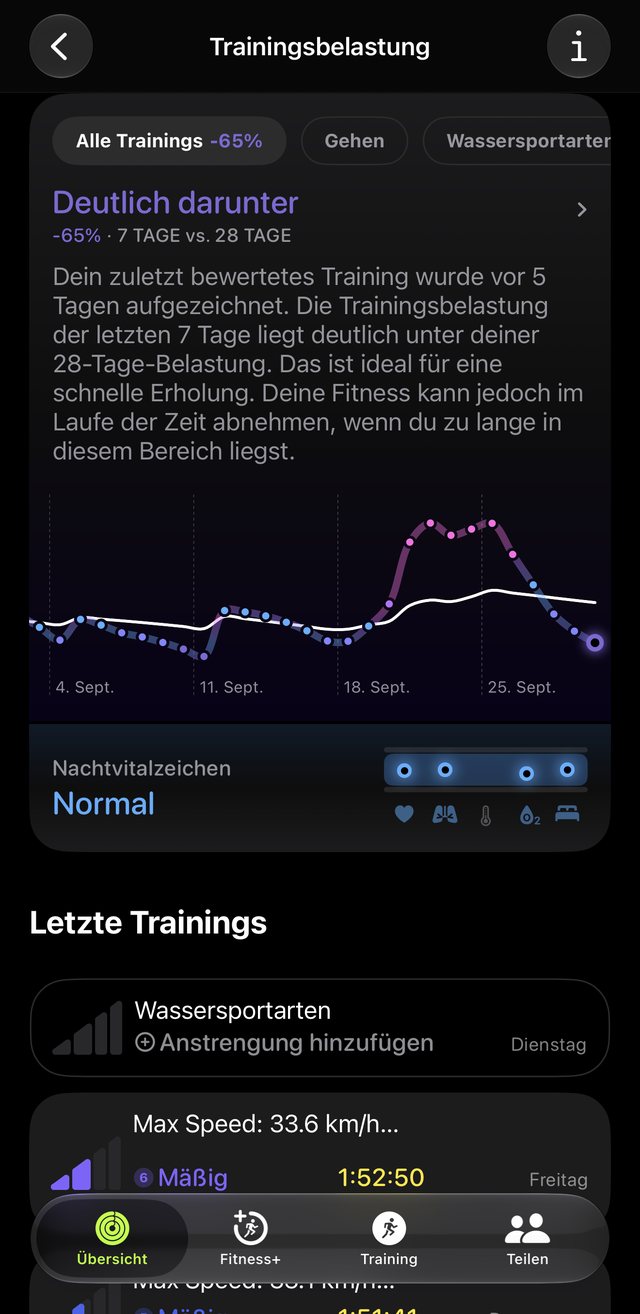
- Effort in Apple Health – see in Fitness how high your training load is and when you're ready for the water again
- All sessions, including past ones – everything was always saved
- For tinkerers: raw data, your own jump-detection parameters, export and backup
Jump and jibe detection is a beta. It gets better with every update – all updates are included in the purchase, there are no further costs.
Origin
By water sports people
for water sports people.
Born on Lake Thun from the ideas of kiters and wing foilers: the wind on your wrist, and always knowing when it's time to head back to shore. A foil-kite drop does make for a nice fitness curve on the swim back – but nobody wants one.
The need defines the app, not the other way round
Built on the lake, not at a desk – with cold hands, battling weather and wind. Every feature came out of real use. And the ones still to come, like the SOS function for more safety on the water, follow the same path.
Stations
Wind on your wrist.
Already in the free version.
The stations come from gokite.ch, the wind service for Lake Thun and selected trade-wind spots. The network keeps growing, and will include our own gokite stations.
every 3 minutes from noon to 6 pm, otherwise every 30
every 10 minutes
Good to know
The Watch shows the wind out on the water when it has reception: with Apple Watch Cellular or with the iPhone in range. Without reception, recording continues, and the iPhone fetches the wind history later. Sources: MeteoSwiss (Thun, Interlaken, Cressier) · thunerwetter.ch (Strandbad) · Weather Underground (Gunten, Roses, Cabarete). Weather stations are on the shore, not on the water – accuracy not guaranteed.
Support
Something stuck?
Write directly.
support@elevai.ch
Answered on Saturdays – GoKiteAgent is a spare-time project.
Helpful: watchOS and iOS version, watch model, station and the date of the session.
Which Apple Watch do I need?
Any Apple Watch with watchOS 26 records – it measures GPS, speed, heart rate and motion itself. For the wind out on the water it needs reception: a watch with cellular, or the iPhone in range. Without a Watch there's nothing to record; the iPhone displays and analyses.
What happens without reception?
The session is still recorded in full. The wind stays at its last value and the Watch shows how old it is. The iPhone later fetches the session's wind history from the gokite.ch archive.
Why is jump detection “beta”?
Because it works from GPS speed and motion, not an altimeter. Jumps, jibes and crashes are reliably told apart; the height is an estimate from the airtime. We're working on height from the barometer. Every update is included in the purchase.
What's the difference between a jump and a jibe?
A jibe is the turn through the wind – round, losing speed. A jump has a corner: approach upwind, carried downwind in the air, landing. The app shows both on the map and counts them separately.
What happens to the fourth session in the free version?
It's recorded and saved in full, but locked on the iPhone. Delete one of the three open ones and the next moves up. With the full version all sessions are open – including those that were locked before.
I have a new iPhone. Do I need to buy the full version again?
No. Settings → Full Version → “Restore Purchases”. The purchase belongs to your Apple ID and applies on all your devices.
Where are my sessions stored?
As a file on the Watch and on the iPhone, the workout in Apple Health. Under Settings → Backup & Recovery you see where each session is, can back it up externally, delete it on one device, or restore it from a backup.
What does the app write to Apple Health?
The workout with route, heart rate and calories – and in the full version the effort (1–10), which Apple shows in Training Load. It reads heart rate and, for the fitness settings, date of birth, weight and resting heart rate. You can revoke each permission individually in Health.
Privacy in one sentence
GoKiteAgent needs no account and sends your sessions nowhere. Everything stays on your Watch, iPhone and in your Health app. The only outside connection is reading wind data from gokite.ch – with nothing about you. Full privacy policy